Your calendar,
around the clock.
Future puts your events on the dial of a clock. A 24-hour spiral shows your whole day at a glance – what's now, what's next and how much time you have in between.
 iPhone · iPad · iPhone Duo · Apple Watch


Designed for your daily rhythm
See your day as time, not as a grid.
Instead of squeezing your calendar into boxes, Future follows the familiar 12-hour cycle our lives revolve around. Your events sit right on the hour dial, so you know immediately what your near future holds.

The spiral timeline
24 hours ahead, always at hand.
The spiral wraps the dial twice, so the next 24 hours are always in view. Turn the hour hand to travel further through time – the spiral follows, and the time bubble tells you exactly when you are.

Everything in its place.
-
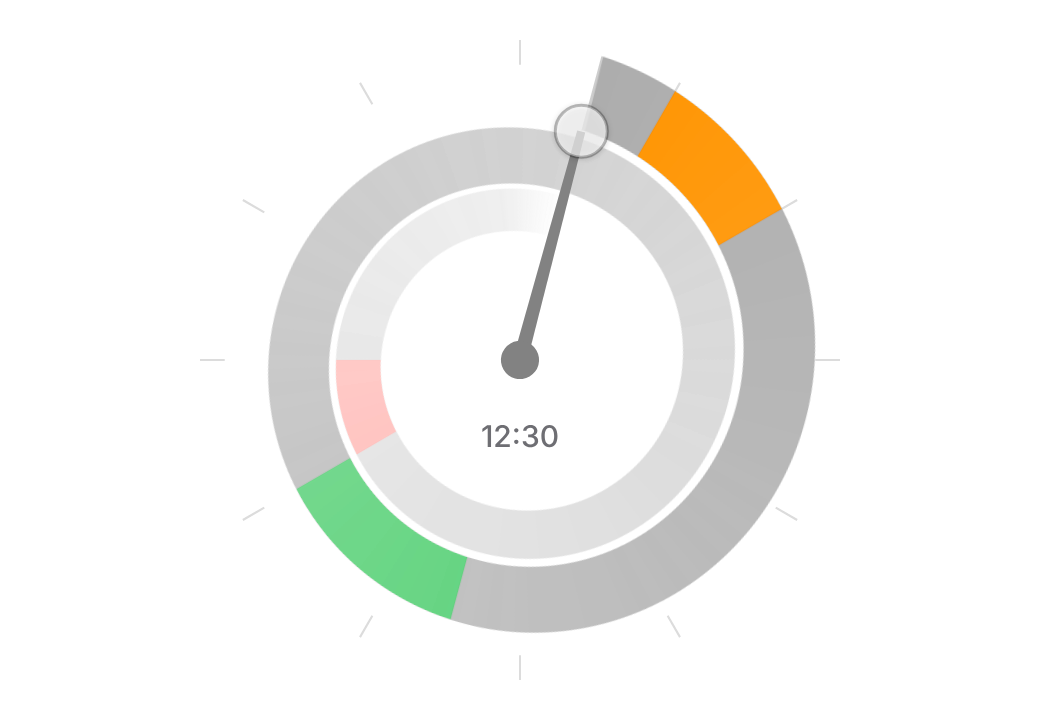
Move through time
Drag the hour hand to move through time. The spiral follows and shows you what's ahead.
-
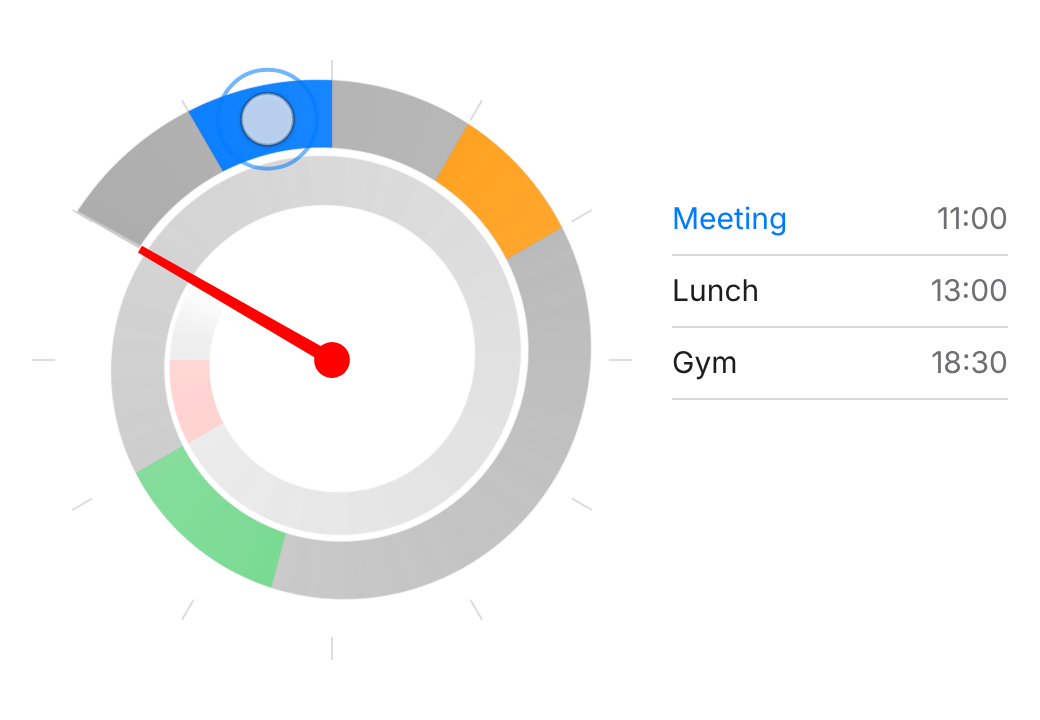
Your events
Tap an event on the spiral to highlight it in the list.
-
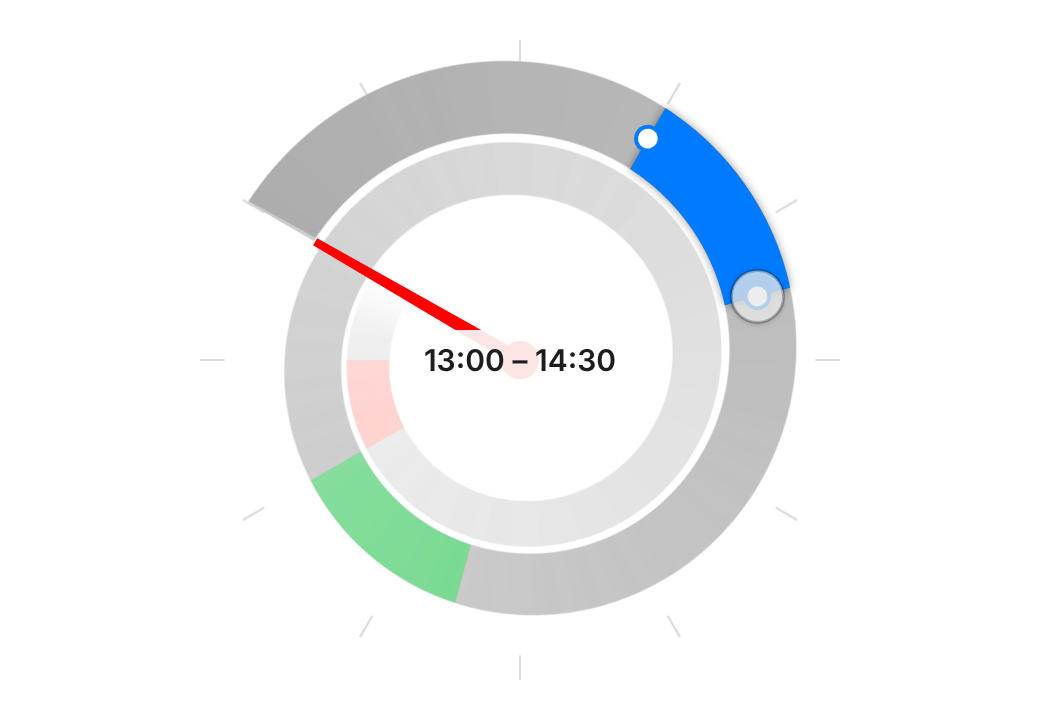
Change the time
Long press an event to pick it up. Drag it along the spiral to move it, or drag its ends to change how long it lasts.
-
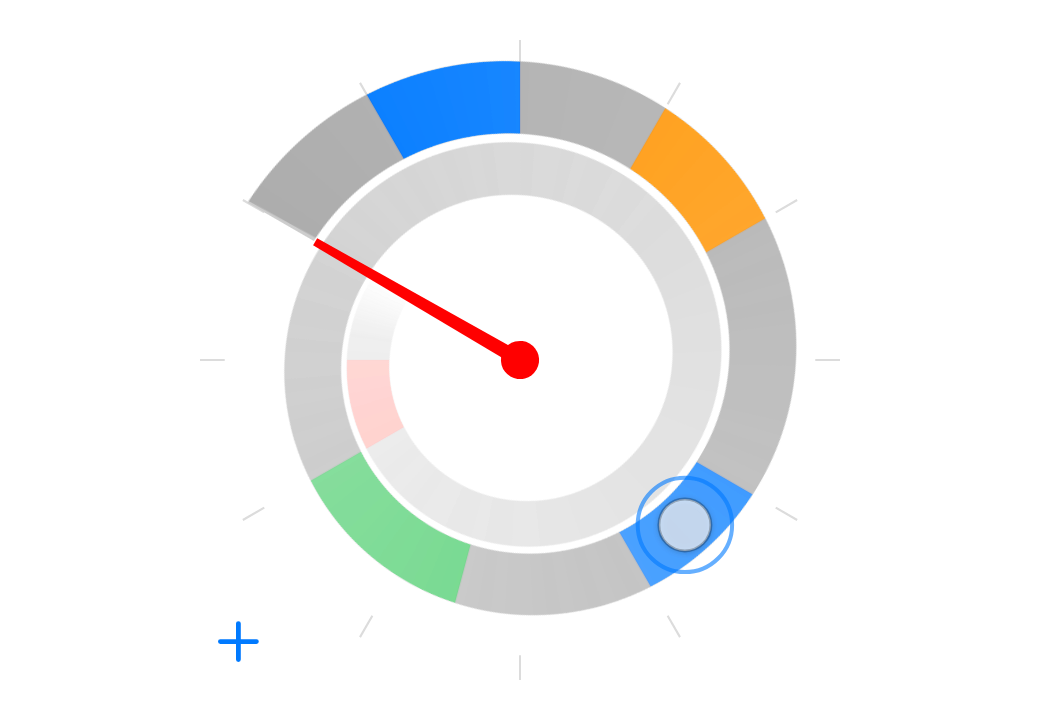
Add events
Long press an empty space on the spiral to add an event, or move the hour hand to a time and press +.
-
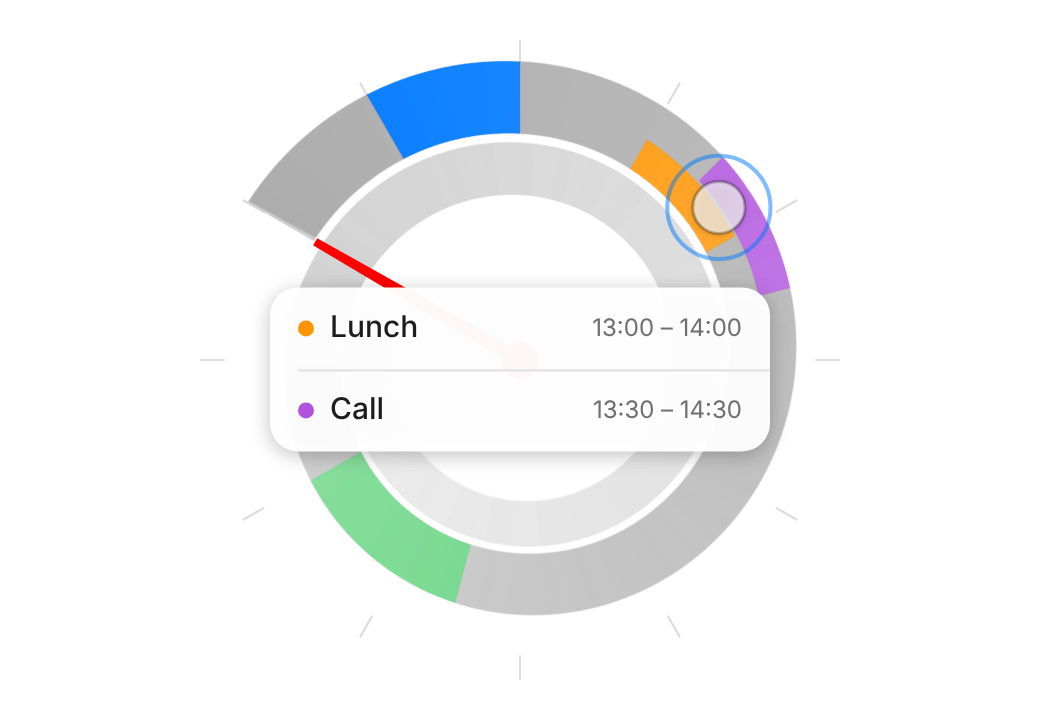
Overlapping events
Events at the same time sit side by side. Tap where they overlap to choose one.
-
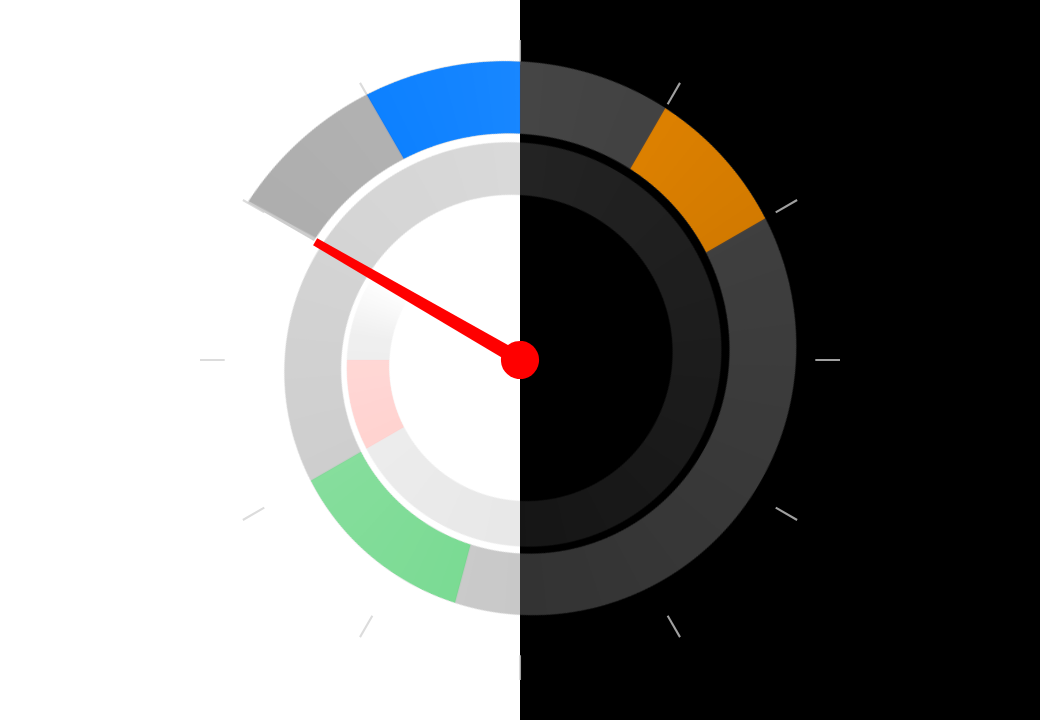
Day and night
A light theme for the day and a dark one for the night.

Home Screen widgets
Your next hours, one glance away.
Put the spiral on your Home Screen. Widgets come in every size, from a tiny dial to large and extra large views with your coming days.

Future for iPad
Your whole day, on a bigger dial.
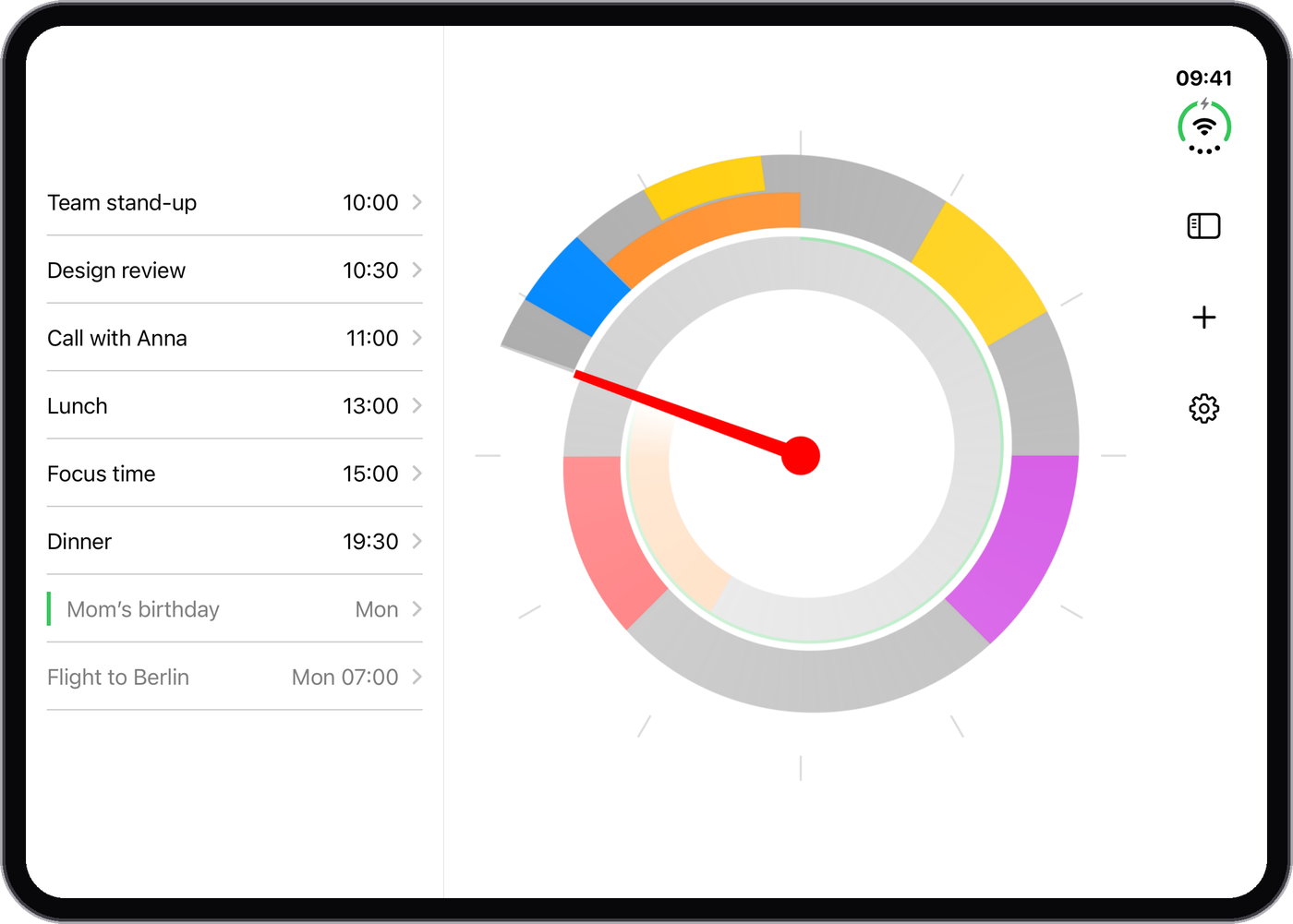
Your list sits beside a large spiral. Change events right on the dial with the editor next to it, and keep widgets in all four sizes on your Home Screen.


Future for iPhone Duo
Unfold your whole day.
Open iPhone Duo and the spiral and your list sit side by side. Events open for editing right next to the spiral, so your day stays in view. Folded, Future works just like on any iPhone.

Future for Apple Watch
Time on your wrist, with your plans around it.
Glance at the spiral on your wrist, turn the Digital Crown to look ahead, and add Future to your watch face as a complication.


Your calendar stays yours.
Future reads your events on your device and nowhere else. No accounts, no analytics, no tracking, no ads.
It works with every calendar on your device – iCloud, Google, Exchange and more. Choose which ones it shows in Settings, grouped by account.
Read the privacy policy →
Look into your Future.
